

The features of Looker Studio (a visualisation tool) are constantly evolving. Looker Studio (Google Data Studio) came out at the end of last week with a new feature that made us very happy. In the past it was only possible to add and name individual pages of a report, which was not enough for larger, extensive reports. The navigation therefore turned into a confusing mess.
With its latest update Looker Studio has made a really big step forward in this respect. It brought several interesting options for making the navigation of your report attractive and clear.
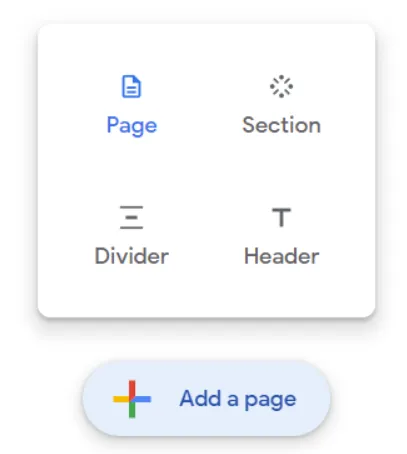
You Can Now Use the Following Modules in Looker Studio:
- Heading – essentially a text divider in the navigation, with no click-through options or similar functions
- Divider – like the heading, it is only a separating element, in this case a line that helps to divide the navigation
- Section – With a section you can create groups of pages that relate to a certain area or topic. It also brings an interesting expand function to the menu, which greatly helps with efficient browsing of the navigation/menu
- Page – Besides being able to add a separate “standalone” page as you were used to in the past, you can now nest a page inside any section
That Is Not All – Icons Are Here
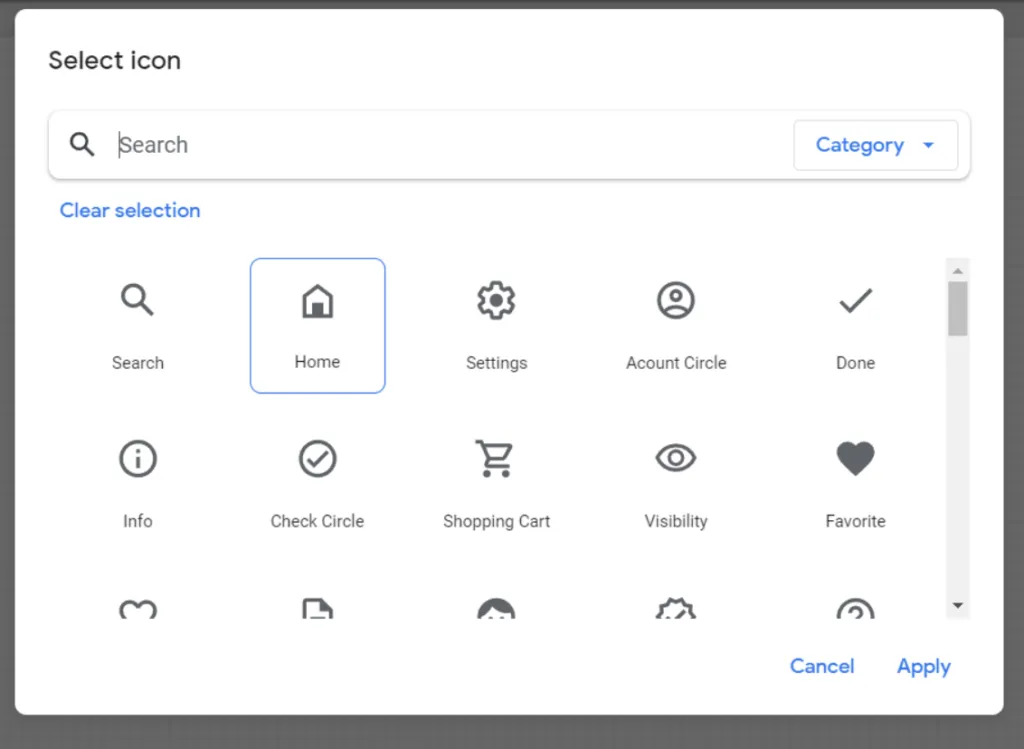
For even better clarity of your navigation you can assign an ICON to individual sections or standalone pages (those not nested in a section). There is a fairly decent number to choose from, and you will surely find one.
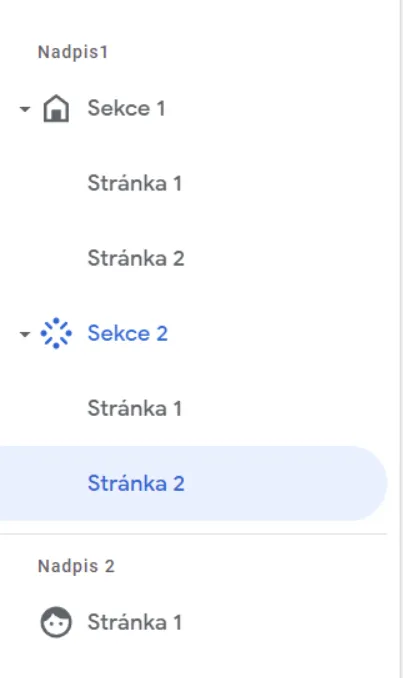
So What Does It All Look Like?
The navigation of your report itself can then look like this
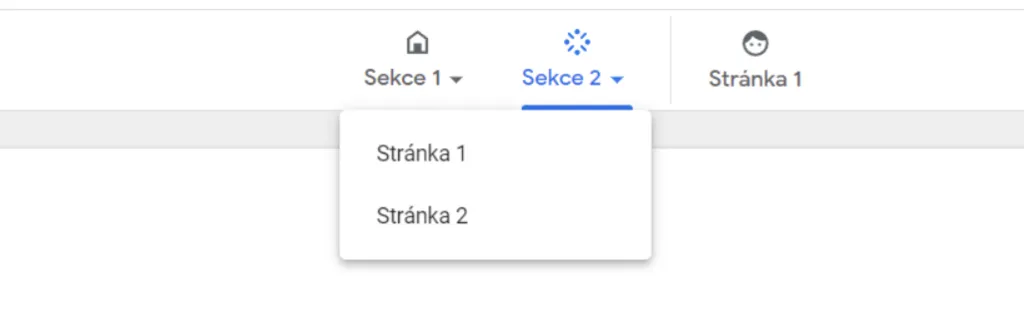
The top navigation option has also remained, and it looks like this:
To our delight, Looker Studio also kept the function of hiding pages that are still in progress. They do not show in your navigation in view mode.
We are glad that Google keeps investing its time in this tool and gives us the opportunity to create very interesting reports. We look forward to what comes next and will definitely let you know about the news again